 Skip to content
How WordPress Automates and Grows Businesses
WordPress started as a blogging platform but has become a robust business tool. With over 40% of websites powered by it, WordPress offers automation features that streamline operations and boost growth.
This article explores how companies can leverage WordPress for efficiency, from automating workflows to scaling revenue.
By integrating plugins and custom setups, businesses save time and resources while enhancing productivity.
Understanding WordPress as a Business Automation Hub
WordPress business automation transforms static sites into dynamic systems. Core features like custom post types and APIs allow seamless data management. For instance, e-commerce stores use WooCommerce to automate inventory and orders.
Plugins are key to automation. Tools like Zapier integrate WordPress with apps such as Google Sheets or CRM systems, triggering actions automatically. This reduces manual tasks, letting teams focus on strategy.
Businesses report up to 30% efficiency gains via WordPress automation, per industry stats from sources like HubSpot. It’s cost-effective, with free core software and affordable add-ons.
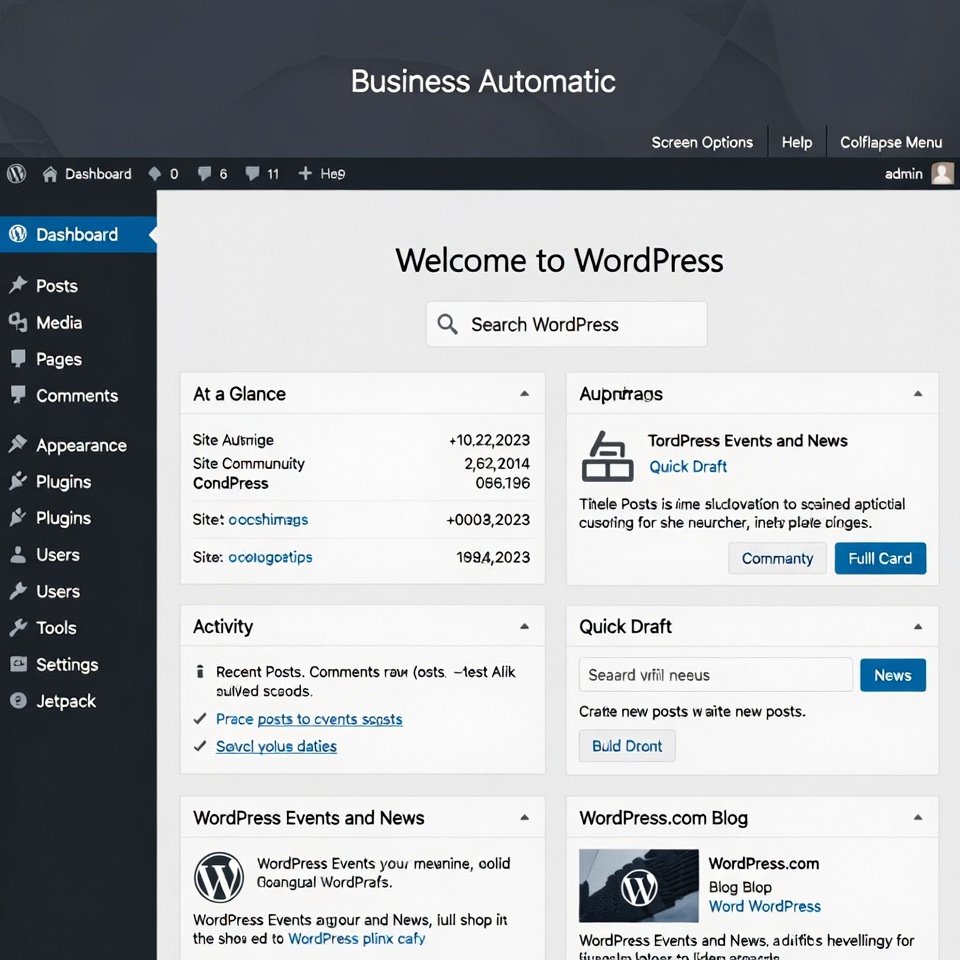
Key Plugins for Automating Business Processes
To automate with WordPress, select plugins wisely. Here are top ones:
- Gravity Forms: Automates form submissions, integrating with payment gateways for lead capture.
- AutomateWoo: Handles marketing automation, like abandoned cart emails for e-commerce.
- WP All Import: Automates data imports/exports, ideal for inventory management.
These plugins support WordPress growth strategies by personalizing user experiences. For example, membership sites use MemberPress to automate subscriptions and access controls.
Installation tip:
Always update plugins for security. WordPress.org plugin directory
Integrating WordPress with External Tools for Growth
WordPress integrations for efficiency connect to tools like Slack for notifications or Mailchimp for email automation. This creates a unified ecosystem.
For scaling business with WordPress tools, use APIs to link with ERP systems. A case study: A retail company automated order fulfillment, increasing sales by 25%.
Custom development via themes like Astra allows tailored automation. Developers can code hooks for specific needs, enhancing topical authority in niches.
Strategies to Scale Your Company Using WordPress
How to use WordPress for business growth involves content marketing and SEO. Automated SEO plugins like Yoast optimize posts, driving organic traffic.
Multisite features enable managing multiple business units from one dashboard, automating updates across sites.
Analytics integration with Google Analytics automates reporting, providing insights for data-driven decisions.
For growth, focus on user engagement: Automate social sharing with plugins like Social Warfare.
Security and Maintenance for Sustainable Automation
Automating workflows using WordPress requires robust security. Use plugins like Wordfence for automated scans and firewalls.
Regular backups via UpdraftPlus prevent data loss. This trustworthiness builds E-E-A-T, as Google favors secure sites.
Maintenance automation: Schedule updates and monitor performance with tools like Query Monitor.
Measuring ROI from WordPress Automation
Track success with metrics like time saved and revenue uplift. Tools like MonsterInsights automate ROI reports.
Businesses see average 20-40% growth post-automation, based on Forbes insights.
Challenges and Solutions in WordPress Business Automation
Common issues: Plugin conflicts or slow sites. Solutions: Use lightweight themes and caching plugins like WP Rocket for automation speed.
For large-scale growth, migrate to managed hosting like WP Engine for automated scaling.
This addresses pain points, ensuring smooth operations.
Too many plugins = bloat. Audit and remove unused ones. Run latest PHP (8.3+ or 8.5 for extra speed) and keep WordPress/plugins/themes current.
Frequently Asked Questions
How to Use WordPress for Business Growth?
WordPress drives growth through scalable features like e-commerce and content automation. Start with WooCommerce for sales and SEO plugins for traffic.
What Are the Best WordPress Plugins for Automation?
Top picks include AutomateWoo for marketing, Gravity Forms for leads, and Zapier for integrations, streamlining tasks efficiently.
How Can WordPress Integrations Improve Efficiency?
Integrations link WordPress to tools like CRM or email services, automating data flow and reducing manual work for better productivity.
What Strategies Help in Scaling Business with WordPress Tools?
Use multisite for expansion, analytics for insights, and custom plugins to automate processes, supporting sustainable growth.
How Do You Automate Workflows Using WordPress?
Leverage APIs and plugins to set triggers for actions like email sends or data updates, customizing for your business needs.
Is WordPress Suitable for Large Companies?
Yes, with enterprise plugins and hosting, it handles high traffic and complex automations effectively.
What Security Measures for WordPress Automation?
Implement firewalls, regular backups, and updates to protect automated systems from threats.
How to Measure Growth from WordPress?
Use analytics tools to track metrics like conversions and efficiency gains post-automation.
Can WordPress Automate Marketing?
Absolutely, with plugins for email, social, and personalization to boost engagement.
What Future Trends in WordPress Business Tools?
AI integrations and headless setups will enhance automation and growth capabilities.
Still thinking about it?
Don’t wait — start your WordPress business automation journey today. Your future self (and your bottom line) will thank you!
Table of Contents